
Delta Air Lines
Delta Engineer Dashboard
Standardizing project setup and documentation to improve onboarding
Project type
Internal Tool · Design Systems
Timeline
Fall 2024 (20 weeks)
Role
Innovation Design Intern
Creating a Delta-native engineering hub
Delta engineers rely on a variety of enterprise tools to manage projects, documentation, and operational context. While these tools are functional, they don’t communicate how projects are expected to be set up, documented, or maintained at Delta, especially for newer engineers.
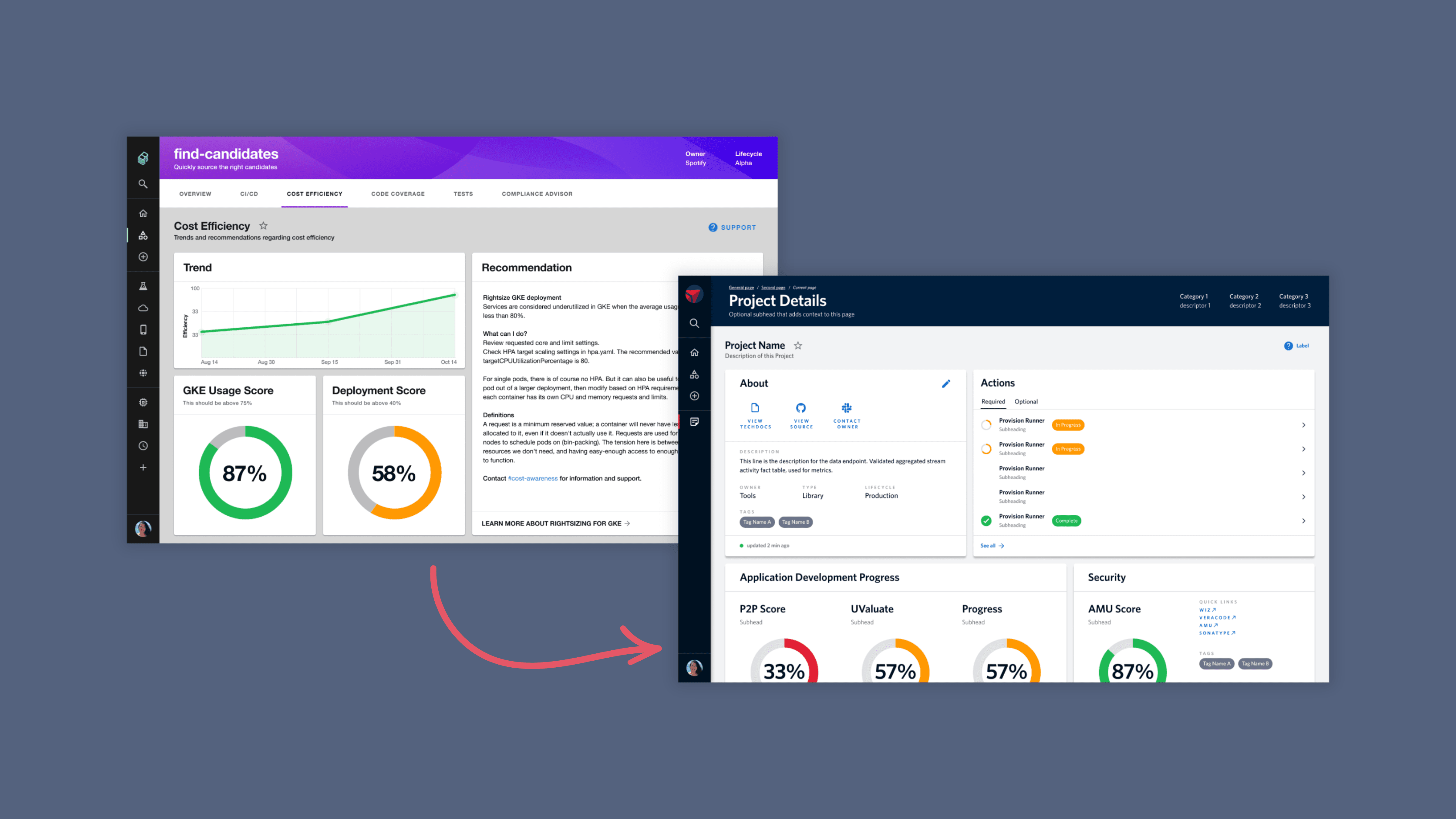
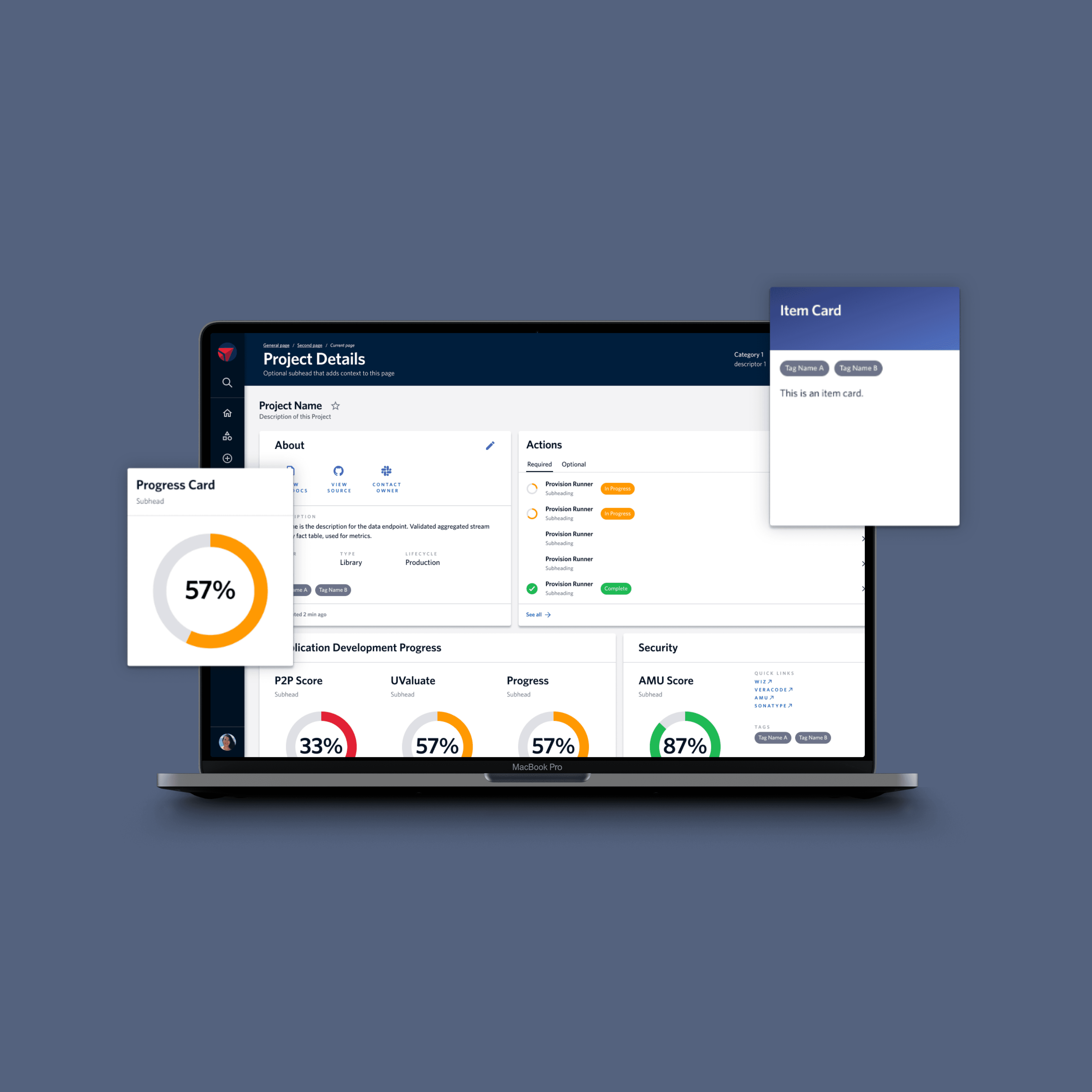
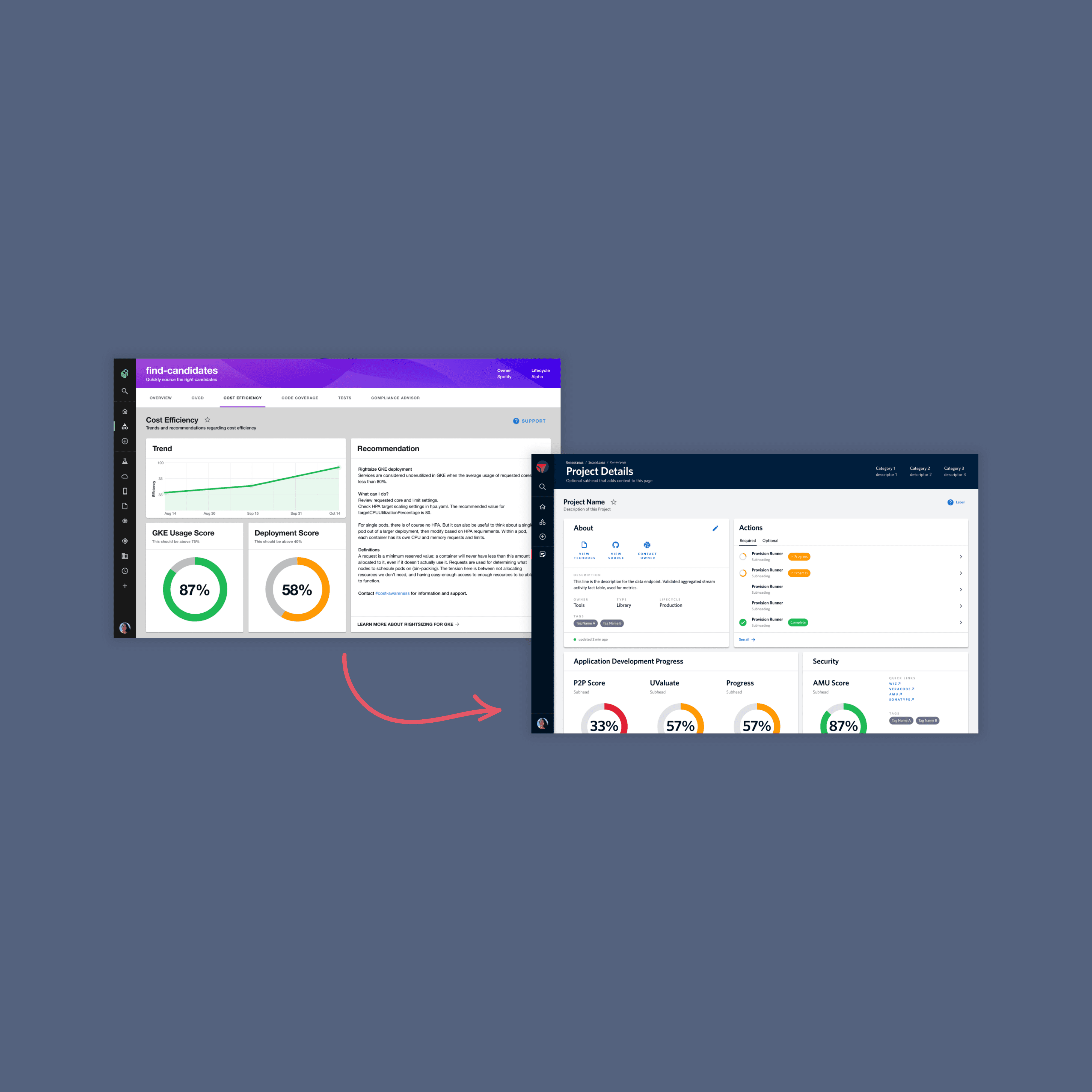
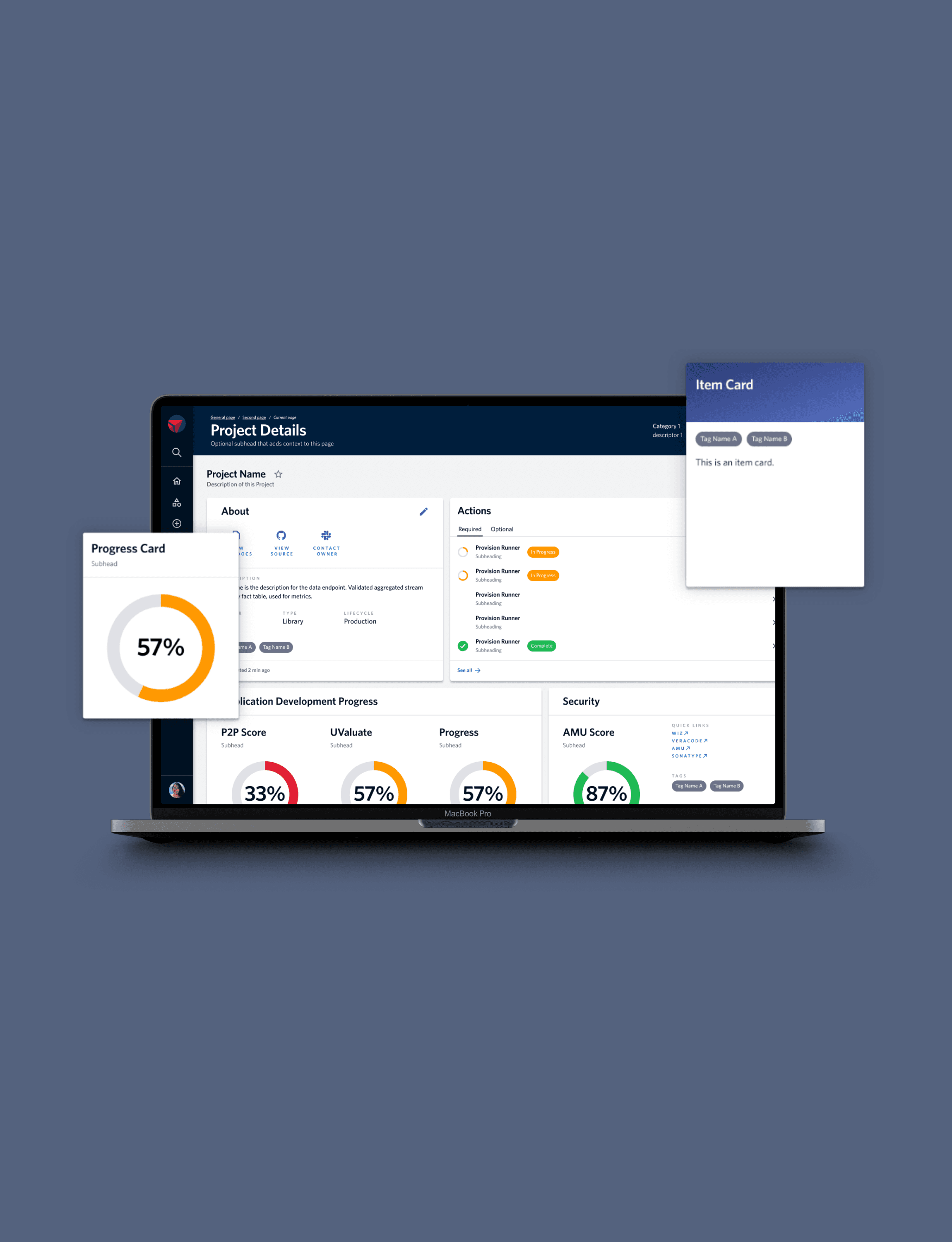
I helped design and customize a Delta-native engineer dashboard using Spotify’s Backstage to standardize project setup, centralize documentation, and surface key information from multiple tools in one place.
The goal was to make project setup easy and repeatable, reducing onboarding friction while helping Delta enforce consistent engineering standards through the product itself.
Tools existed, but expectations were implicit
Delta engineers used several enterprise tools, but those tools were generic and disconnected. They did not clearly communicate how projects were expected to be structured, documented, or maintained at Delta.
Without a guided setup, new engineers learned project standards by navigating multiple tools, which led to inconsistent project structures and follow-up work to correct them.
The problem was not tooling availability, but a lack of standardization and clarity across the project environment.
Designing standards into the experience
I worked closely with engineers to understand how they created projects, stored documentation, and monitored operational health using existing enterprise tools.
Rather than replacing those tools, I focused on identifying where standardization would have the greatest onboarding and operational impact.
Key decisions included:
We did not build a new platform from scratch, because engineers already relied on existing tools
Prioritizing project setup consistency as the foundation
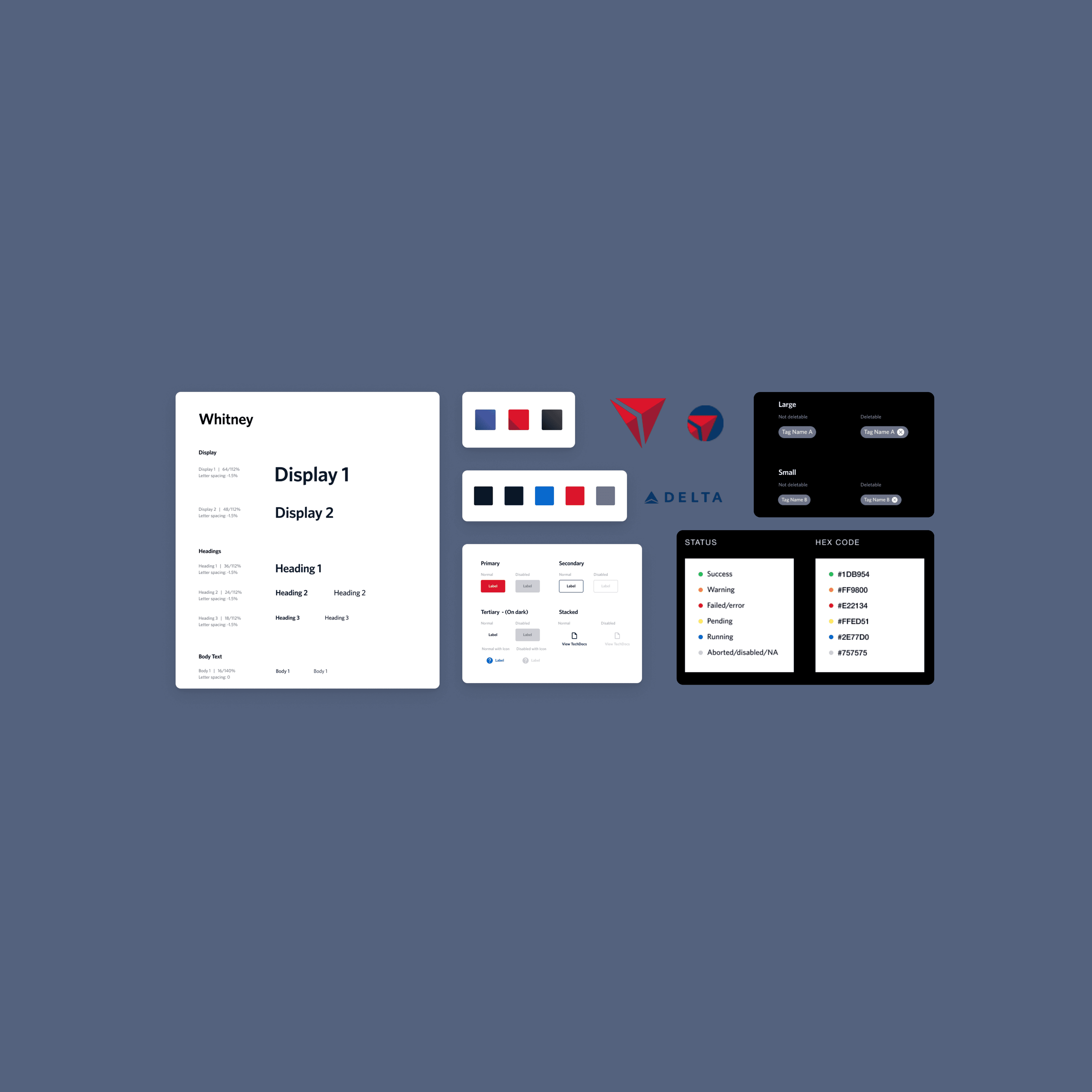
Applying Delta’s design system to create a familiar, trusted experience
Leveraging Backstage as an integration layer to surface information without forcing context switching
Throughout the process, decisions were guided by one question:
How can we make the correct project setup the easiest path for engineers to follow?
A standardized, Delta-native developer portal
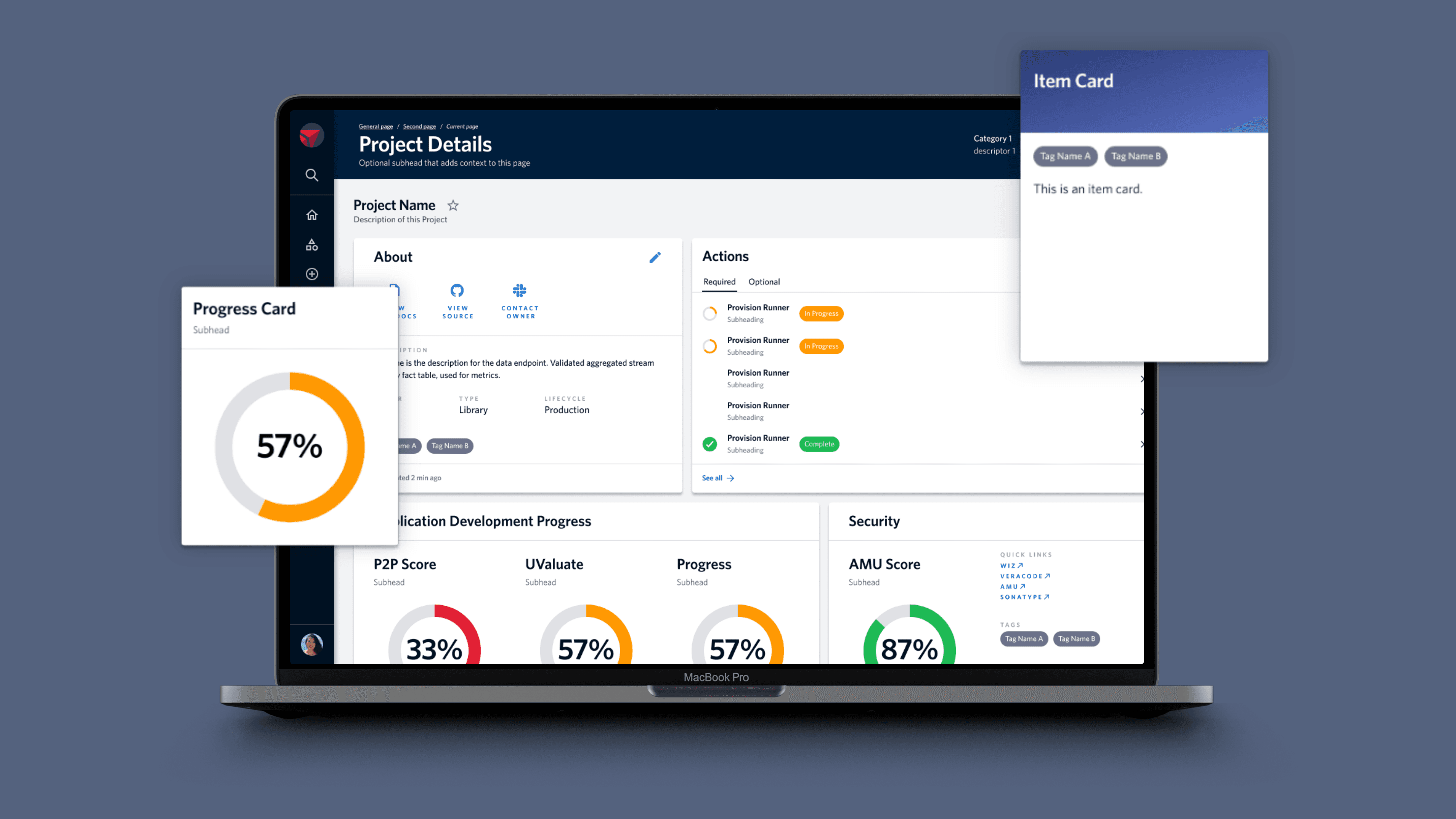
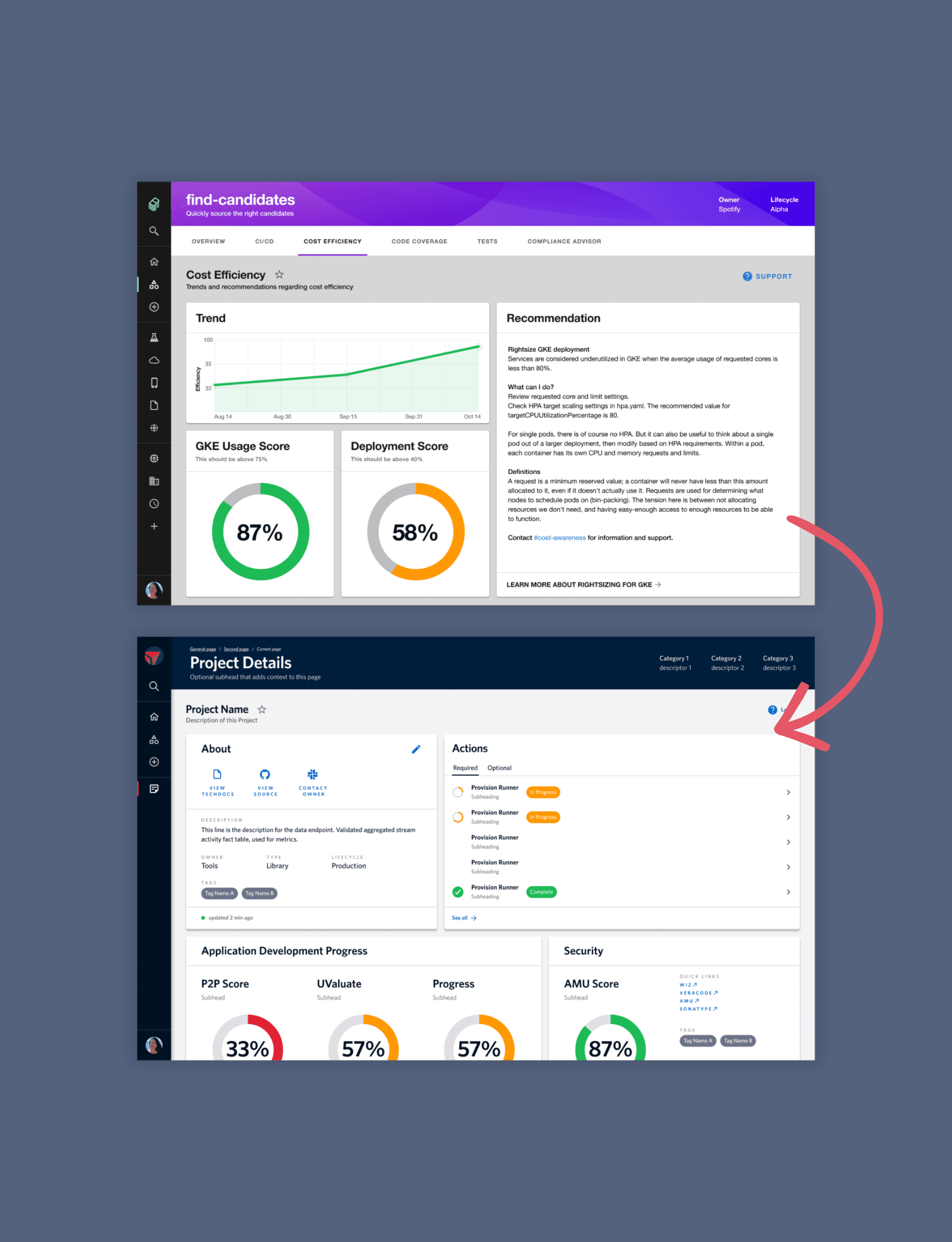
I helped design and customize a Delta-branded engineer dashboard built on Spotify’s Backstage that unified documentation, project setup, and operational context.
The portal:
Guided project creation step-by-step with structured questions in modals, so projects start consistent by default
Centralized documentation aligned with Delta’s expectations
Surfaced project ownership and metadata, making it clear who owns what
Made projects discoverable and shareable through a unified Projects view
Integrated information from multiple enterprise tools into one place
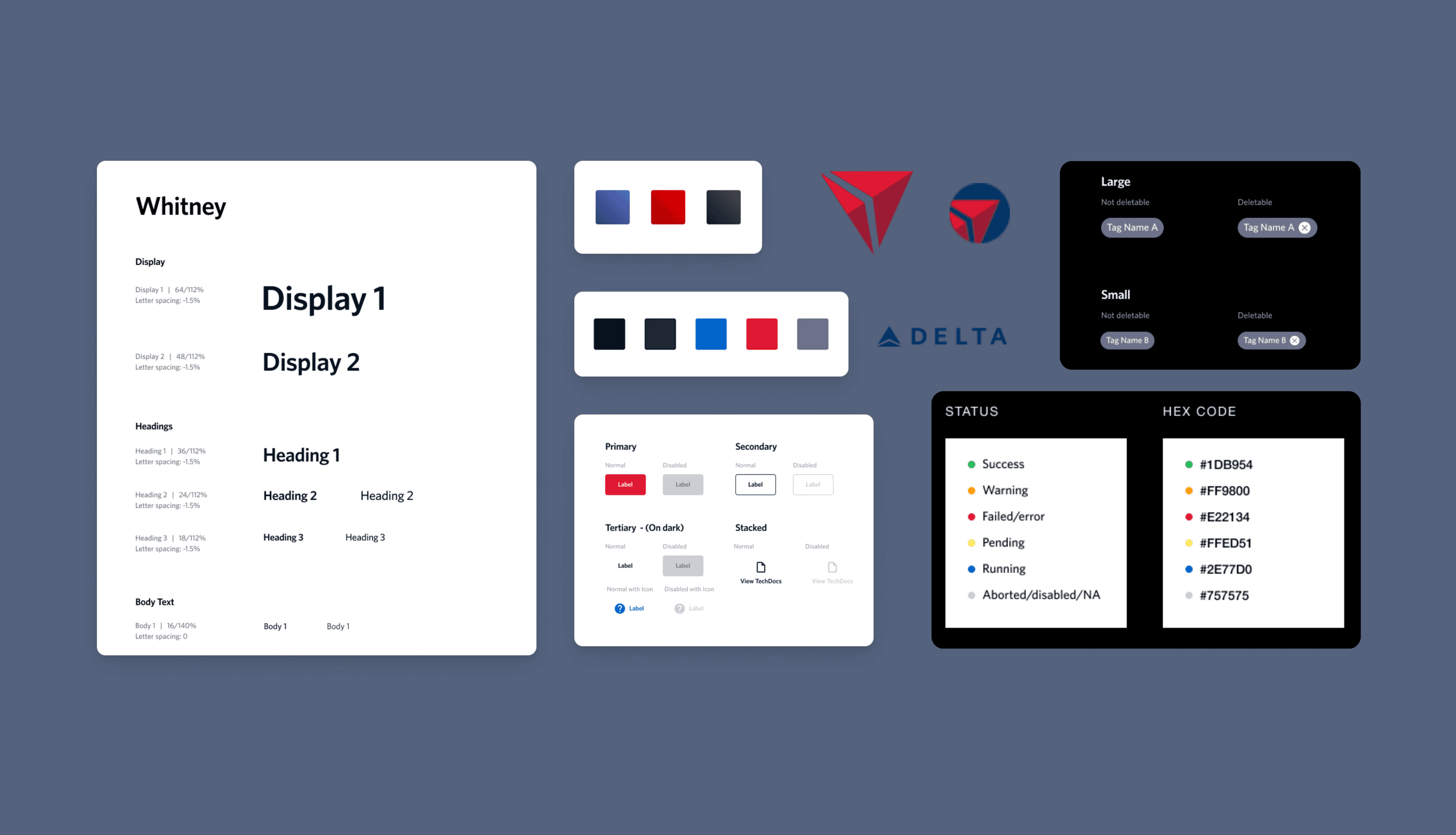
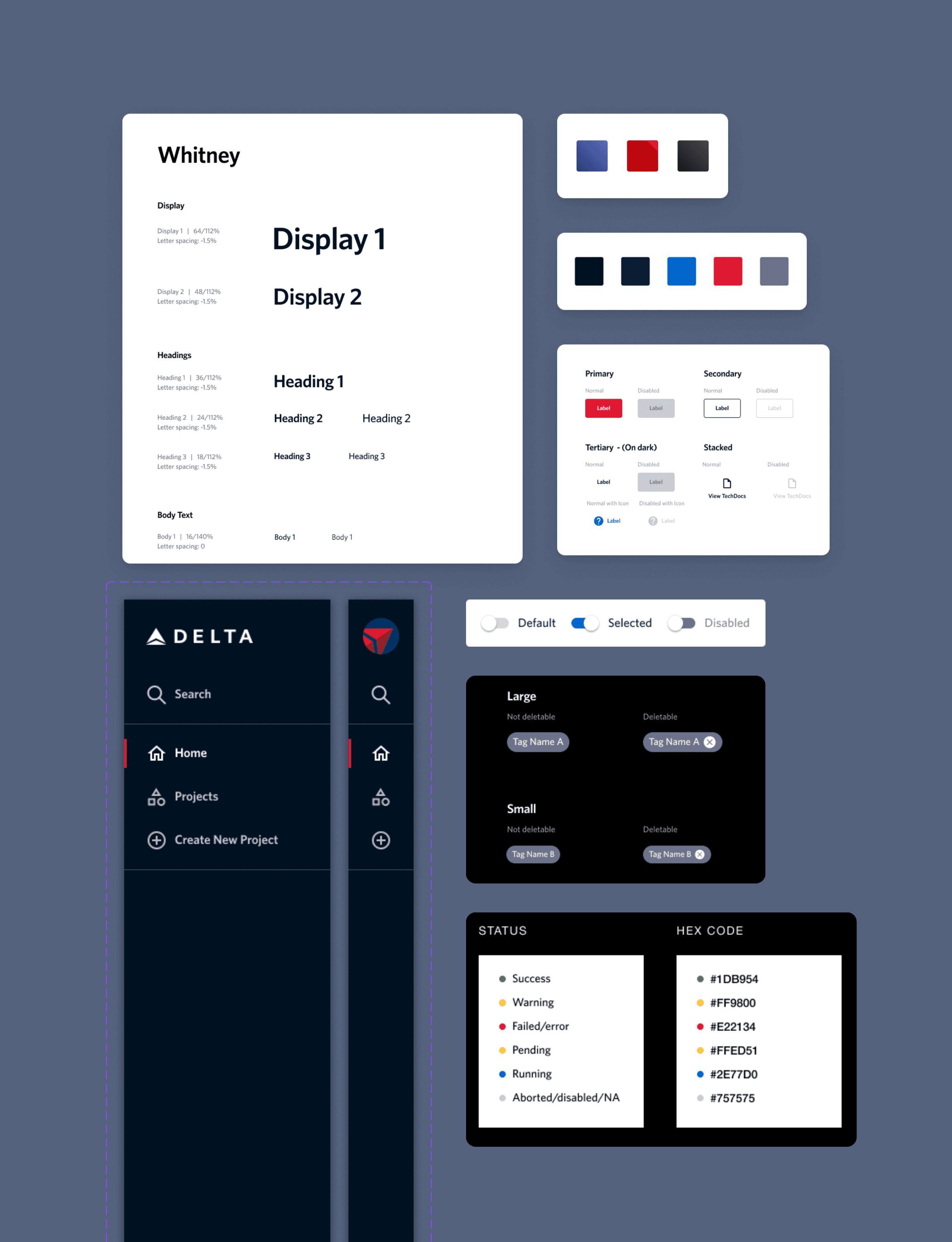
Adapted and extended Delta’s design system to create a cohesive internal developer experience
By embedding standards directly into the workflow and visual language, the dashboard reduced onboarding friction and helped engineers work with greater clarity and consistency.
While this project focused on design and implementation direction, we defined clear signals to evaluate impact:
Faster onboarding for new engineers
More consistent project structures across teams
Reduced rework caused by retrofitting standards later
Less time spent searching for documentation and ownership
Higher adoption of standardized project templates
These metrics helped ensure the work was grounded in operational outcomes, not just design quality.
Understanding engineering workflows and design systems
This was my first time building and extending a design system at this scale. I spent a lot of time working in Figma with components, learning how Delta’s design system was set up, and figuring out how to extend it in a way that made sense for a new internal tool. Writing documentation helped me think beyond individual screens and design for reuse.
I also learned a lot by seeing how engineers actually use internal tools day to day. Understanding their workflows around project setup, ownership, and operations helped me design something that felt genuinely useful, and gave me a clearer sense of how engineers work. I can carry that forward when designing and collaborating with engineers on future projects.